Installation
Installation Guide
If you're installing fresh, please download the TrueTERRAIN_v4.4.4.zip. If you have 4.4x installed already, you just need to download the TrueTERRAIN_v4.4.4_(Patch).zip.
Once you have downloaded and installed the addon above using Blender's user preferences, you need to download and install all of these files... We know. It's a lot. However, we have an import system that will allow you to select all the zip files during the "Import Pack" stage.
Files to Install
All the texture and asset content files are labelled with "pack". Heightmaps are just labelled "heightmaps". If you have a "pack" or "heightmap" file, this is to be installed using the TrueTERRAIN preferences and NOT like an addon.
Our content packs consist currently of:
- Lite content (3pts)
- Pro content (2pts)
- Ultimate content (3pts)
- Winter content (1pt)
- Spring content (1pt)
- Heightmaps (3pts for Ultimate, 2pts for Lite and Pro)
Important
You MUST download all available zip files to ensure you have all your content available to you. This means if you're on Pro, then you will need to download the Lite and Pro content, and if Ultimate, download Lite, Pro and Ultimate content.
Please bear in mind that the amount of content you have is based on the tier you own
Import Phase
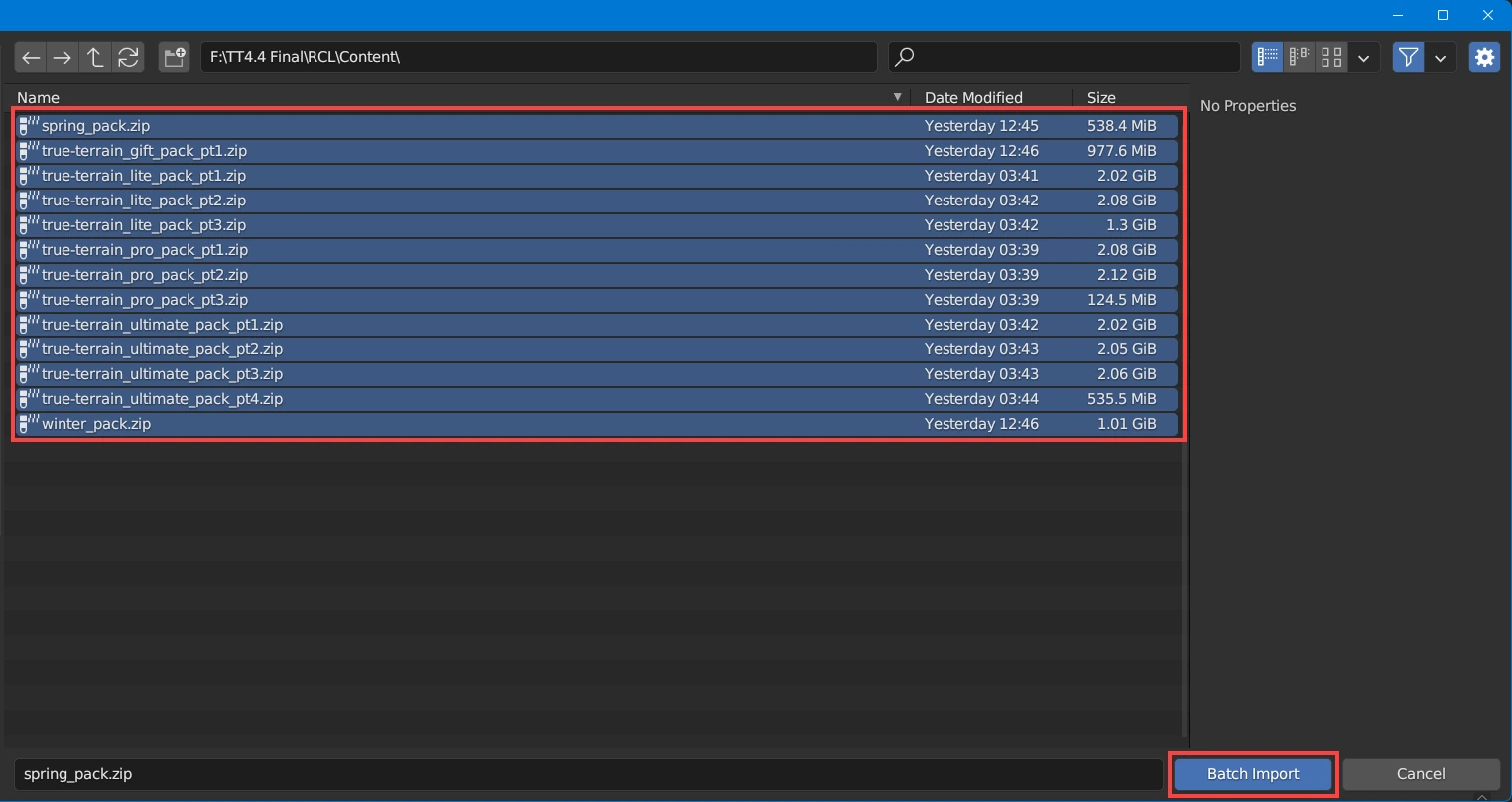
Image is just for representative purposes. Your files may look different.
Select all the content packs. Make sure they are highlighted; click Batch Import.
WAIT for the loading bar to finish in the users prefs. Once it has RESTART Blender.
Blender may Crash
There is a chance that Blender may crash during this phase for some users. This is a hardware limitation and you will need to reduce the amount of files you select for the batch import. Importing is reasonably quick, so select packs in parts if you are having crashes. i.e. if you have the Pro version, import Lite first, then Pro to ensure stability.